Your Cart
Loading

Build Scratch Games That Are Actually Fun to Play

✓ 500k learners helped ✓ 700K+ Scratch views ✓ Money-back guarantee


Through The Complete Scratch Guide, learn how Scratch games actually work by building six games, and use what you learn to create your own projects.

"I love your explanations about the code and how it functions. I'm actually learning here!"

Actually understand what you're coding

Every concept in this program is explained step by step, so you understand not only what you're doing, but why you're doing it. You'll be able to solve problems, build your own projects, and write code without needing someone to show you how.

A clear path from beginner to builder

The Complete Scratch Guide is structured from start to finish. Every lesson builds on the last, introducing new ideas and concepts at the right time. This helps you develop your skills without repetition or knowledge gaps.

Need help? No problem.

If you ever get stuck, or don't understand a concept, you can reach out for personalized help. Every question is taken seriously. When students struggle with the same lesson, it gets clearer explanations, extra resources, or even a re-record.

Don't Like it? You Don't Pay

Try The Complete Scratch Guide risk-free. If you decide it's not for you, you get 100% of your money back, no questions asked.

What You Will Create

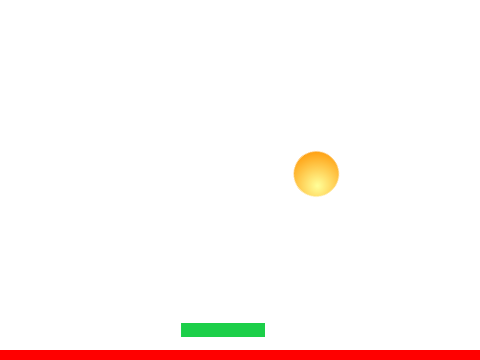
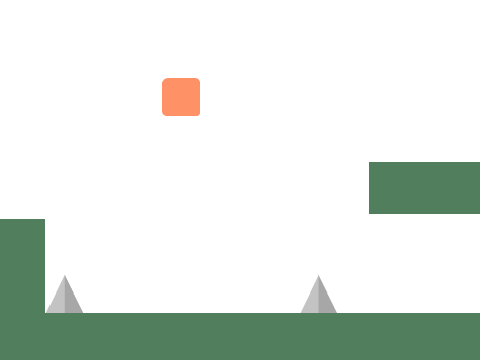
  • A pong game coded in Scratch

    Module 1: Pong

    The classic arcade game that everyone knows and loves! In the first module we create this game while discussing core Scratch coding concepts such as forever loops, positioning, conditionals, and variables.

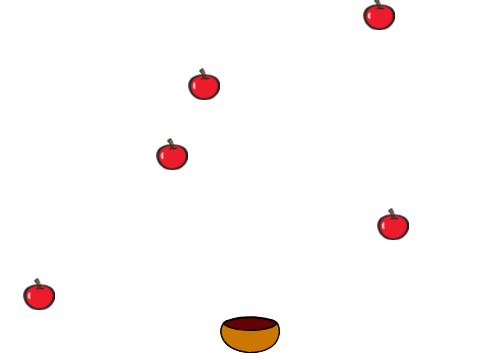
  • A catch the apple game coded in Scratch

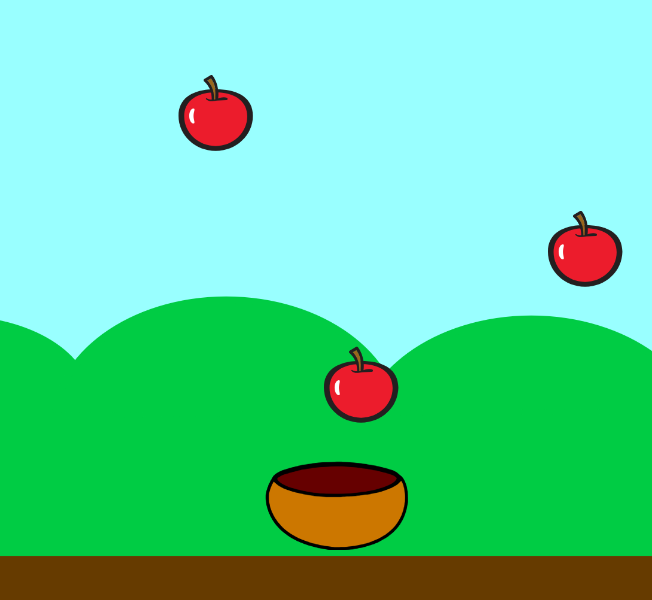
    Module 2: Catch The Apple

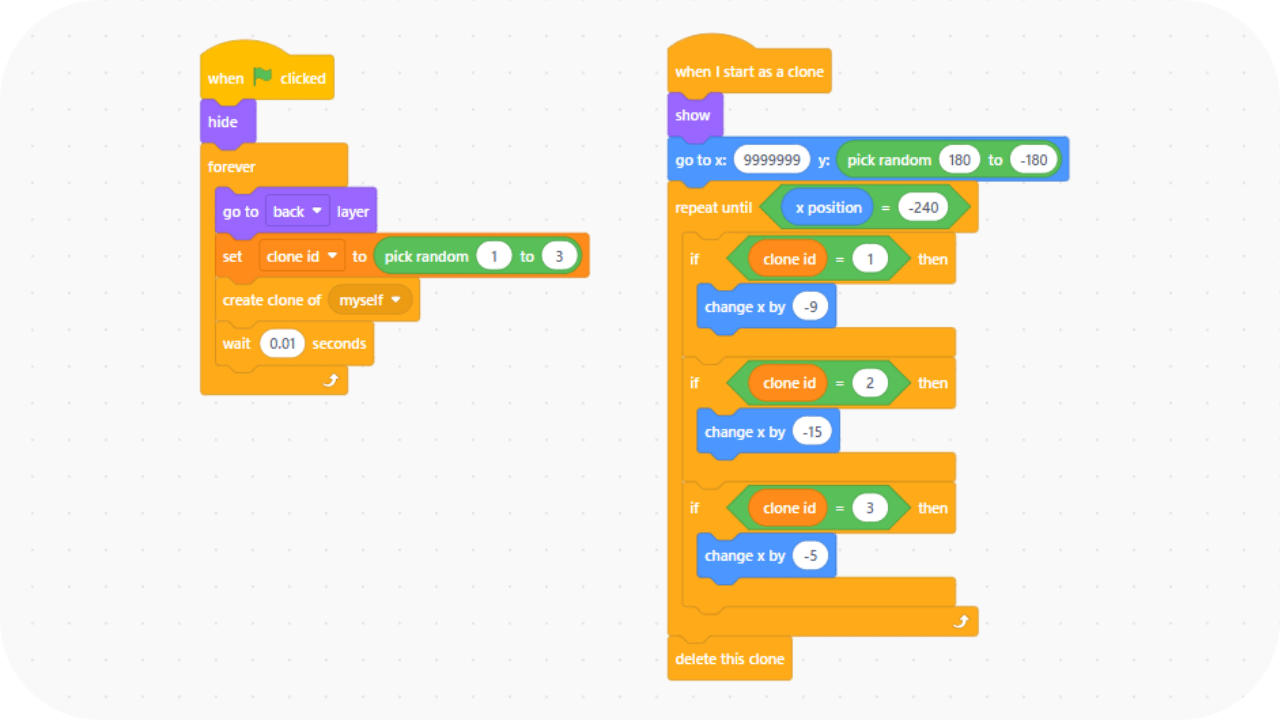
    In this module, we create a "Catch the Apple" game, where you have to collect falling apples that come from the sky with your basket. You only have three lives, so be careful!

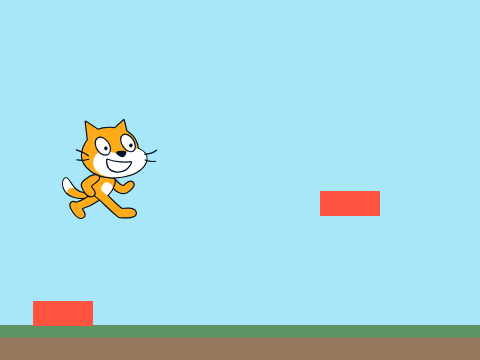
  • A Jumper game coded in Scratch

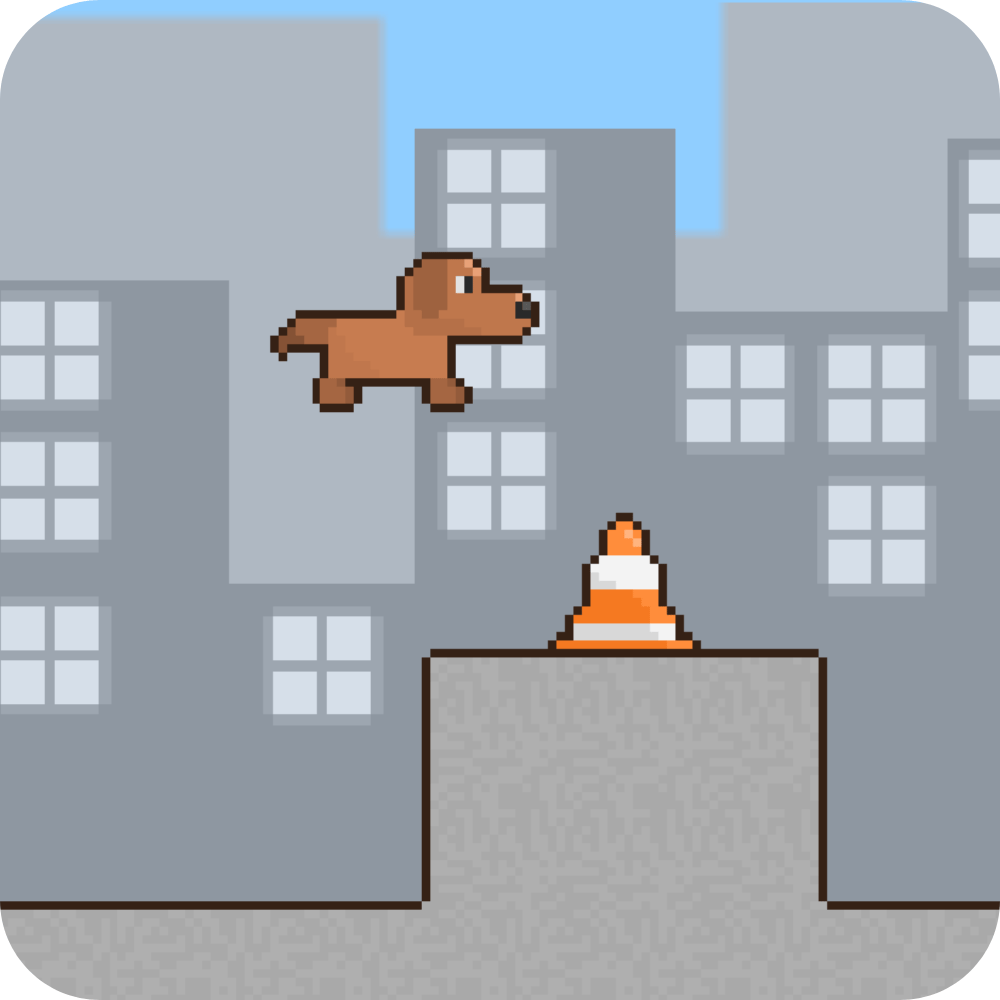
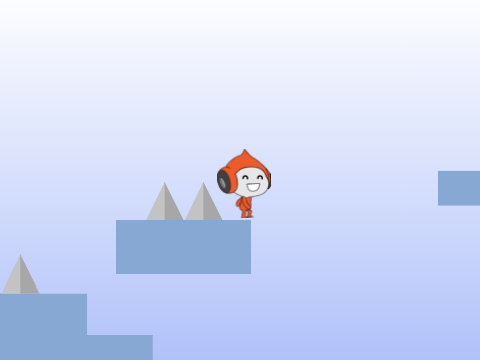
    Module 3: Jumper

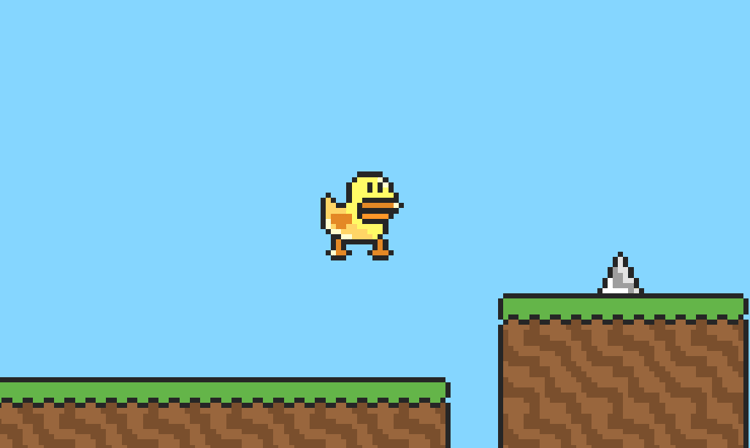
    In "Jumper," you have to avoid dangers all around you! While creating this game, we learn how to code in gravity, a restart screen, collisions and so much more!

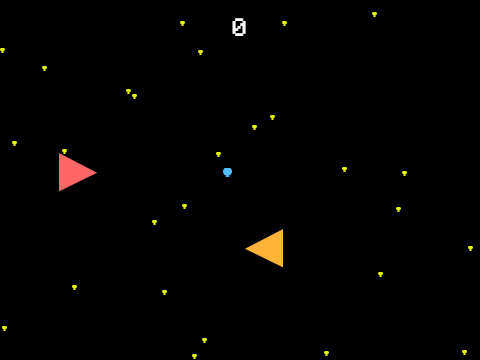
  • A Space Invaders/Space Shooter game coded in Scratch

    Module 4: Space Invaders

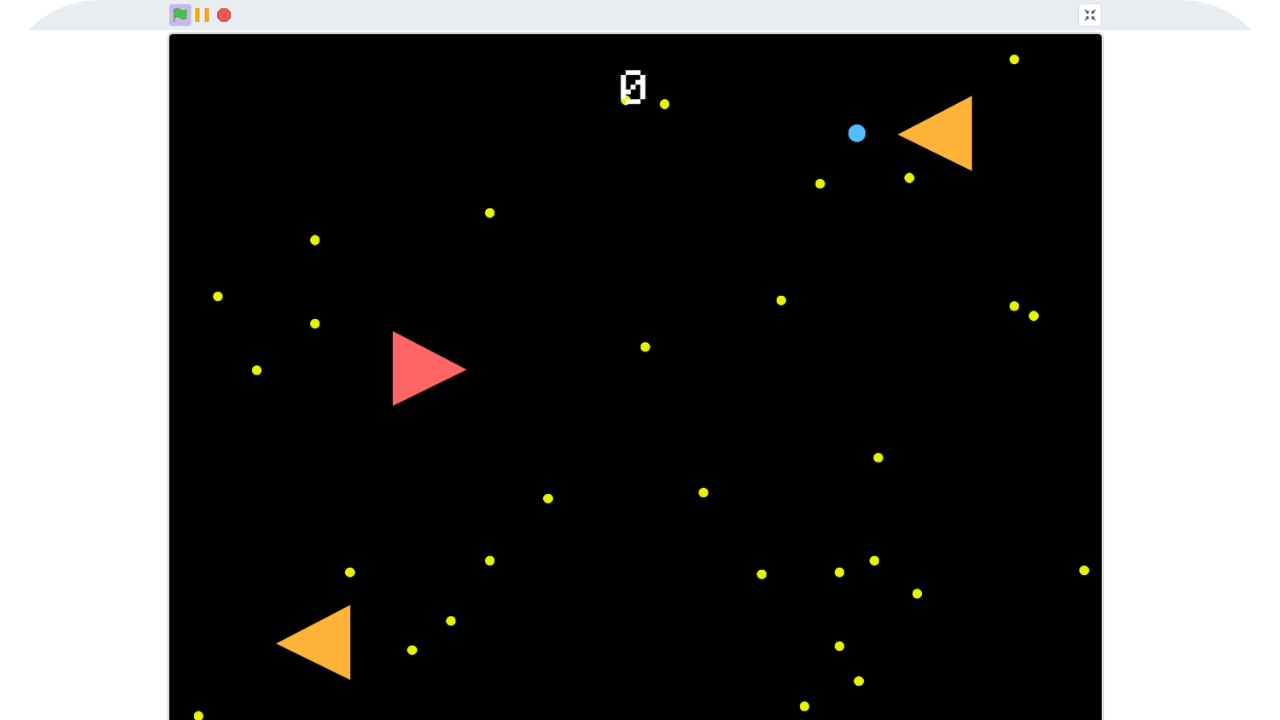
    Yet another arcade classic. In this fourth module, we discuss features such as shooting, smooth player movement and a custom score.

  • A platformer game coded in Scratch

    Module 5: Platformer

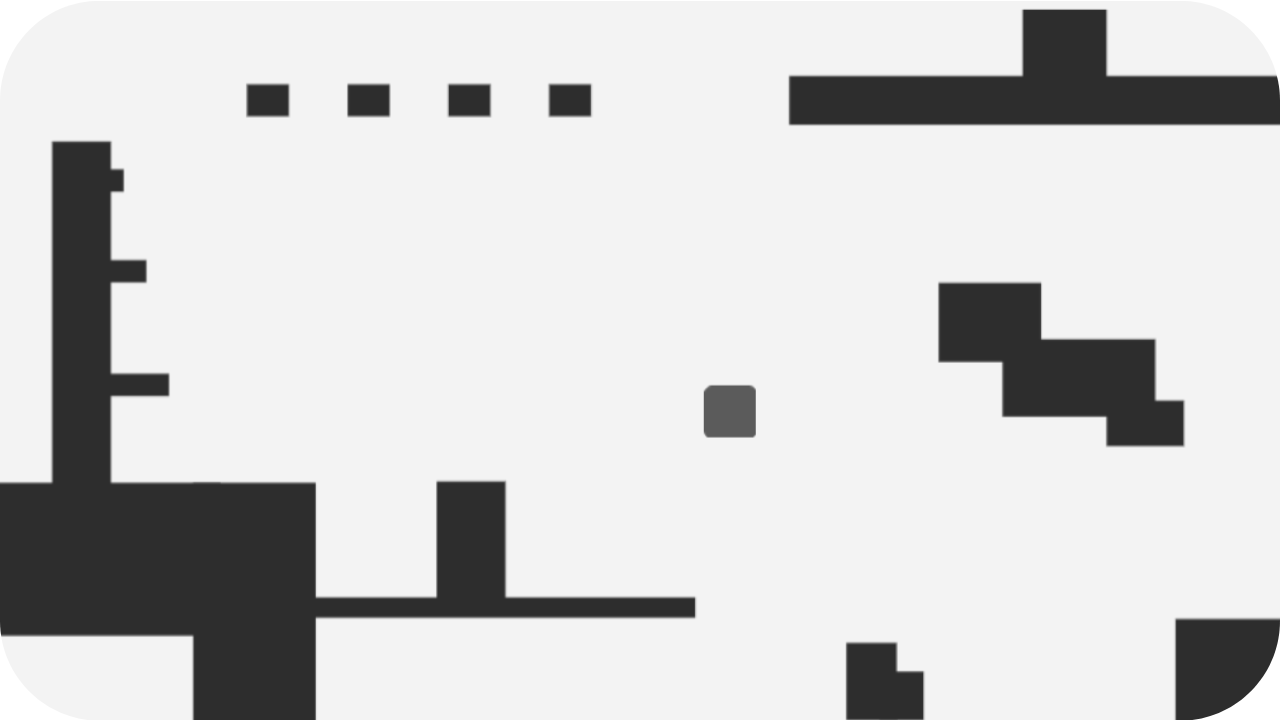
    In this module, we create the famous Scratch platformer, while learning how to make pixel-perfect collisions, dangers, enemy AI, level customization, and more.

  • A scrolling platformer game coded in Scratch

    Module 6: Scrolling Platformer

    For the most complicated and advanced game in this course, you will be creating a scrolling platformer. In this module, we will be learning what it take to create a game in the style of "Super Mario Bros," or "Sonic the Hedgehog."

How The Complete Scratch Guide Works

1. Learn a Concept

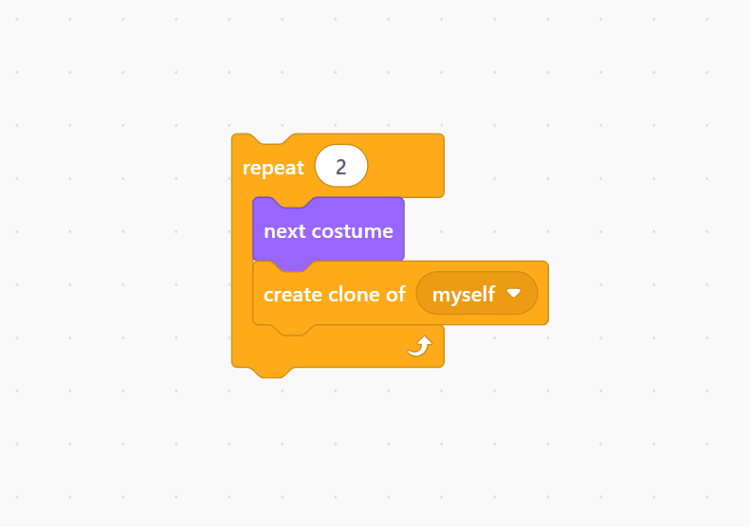
Learn what a specific coding concept is and how it works. See what the code does, why it works, and how you can use it.

2. Build It Into a Game

Put what you learned into practice by using the concept to build part of a real Scratch game. See how it works in an actual project.

3. Use It in Your Own Projects

Learn how the same concept can be used in different ways. Take what you've learned and apply it to your own Scratch ideas.

Not sure if it's right for you?

Check out the first lesson for free where we set up our Scratch account, go over some of the basics of the Scratch website, and write our first bits of code.

About the Teacher

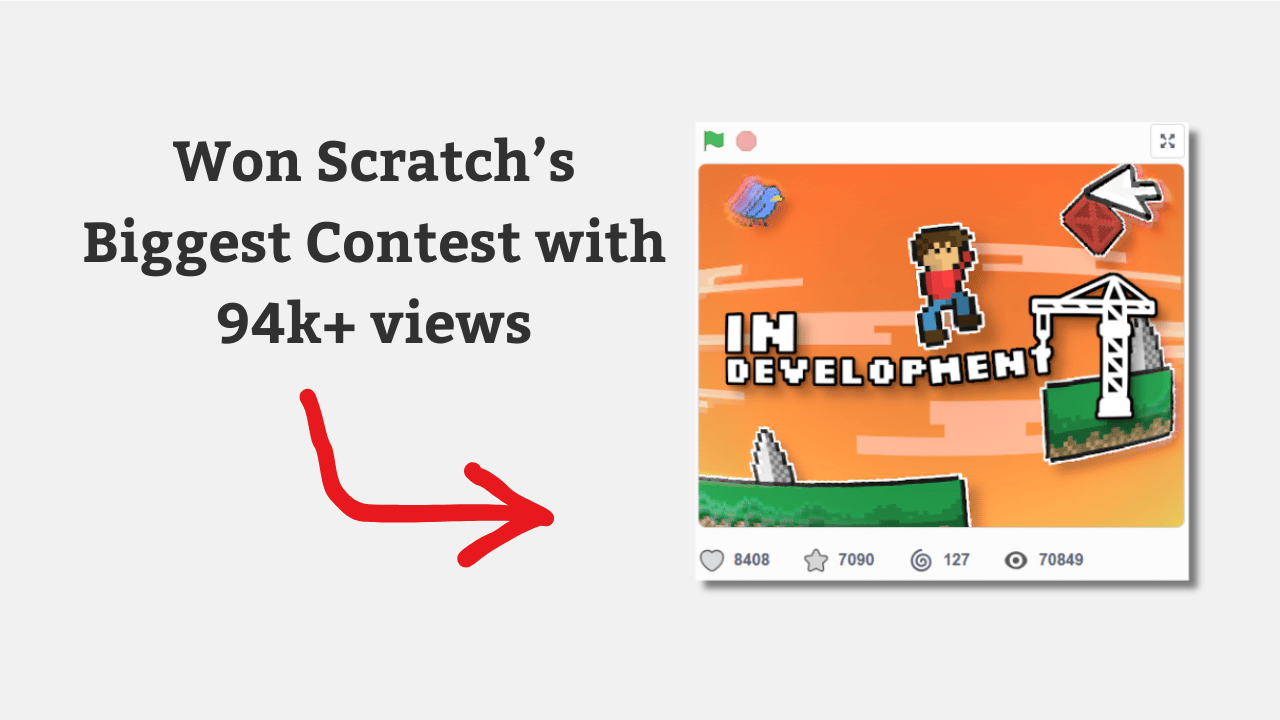
Hi, I'm Gavin! I've won the biggest Scratch game contest of all time, helped over 500,000 people learn to code, and inspired millions of students across the globe. But I also know what it's like to be a beginner. I've spent years figuring out what actually helps you improve- and what doesn't. So, I created the resource I wish I had: a simple and fun way to learn how to code.

Loved by Scratchers around the globe

Artboard 1

"I don't really do Scratch that often, and coding isn't really what I want to do as a passion, but I love how this simplifies and explains how things work while telling you what to do"

Artboard 1

"Thanks! You explained exactly how and why it works."

Artboard 1

"I love your explanations about the code and how it functions. I'm actually learning here!"


Artboard 1

"Thank you. I was searching for a video, and couldn't find anything good, but thank God I found you. Thank you for explaining in a very simple way."

Artboard 1

"I love you for this. MARRY ME!!!!"

(Alright, this one's a bit extreme.)

Artboard 1

"I like how you explained why you were putting every block in, as I'm not very good at programming, and am always trying to understand why someone does something."

Artboard 1

"This was the BEST tutorial I’ve seen. I will be using this in the future."

Artboard 1

"Thank you for actually explaining the code!"

Artboard 1

"This helped as a beginner on Scratch, trying to be better, and this had the best explanation. Thank you so much!"

Artboard 1

"Thank you so much bro. Simple yet direct."

Artboard 1

"Great stuff. Thanks so much for making these tutorials really simple, straight to the point, and easy to follow!"

Artboard 1

"Finally an actual good tutorial."

What I teach actually works

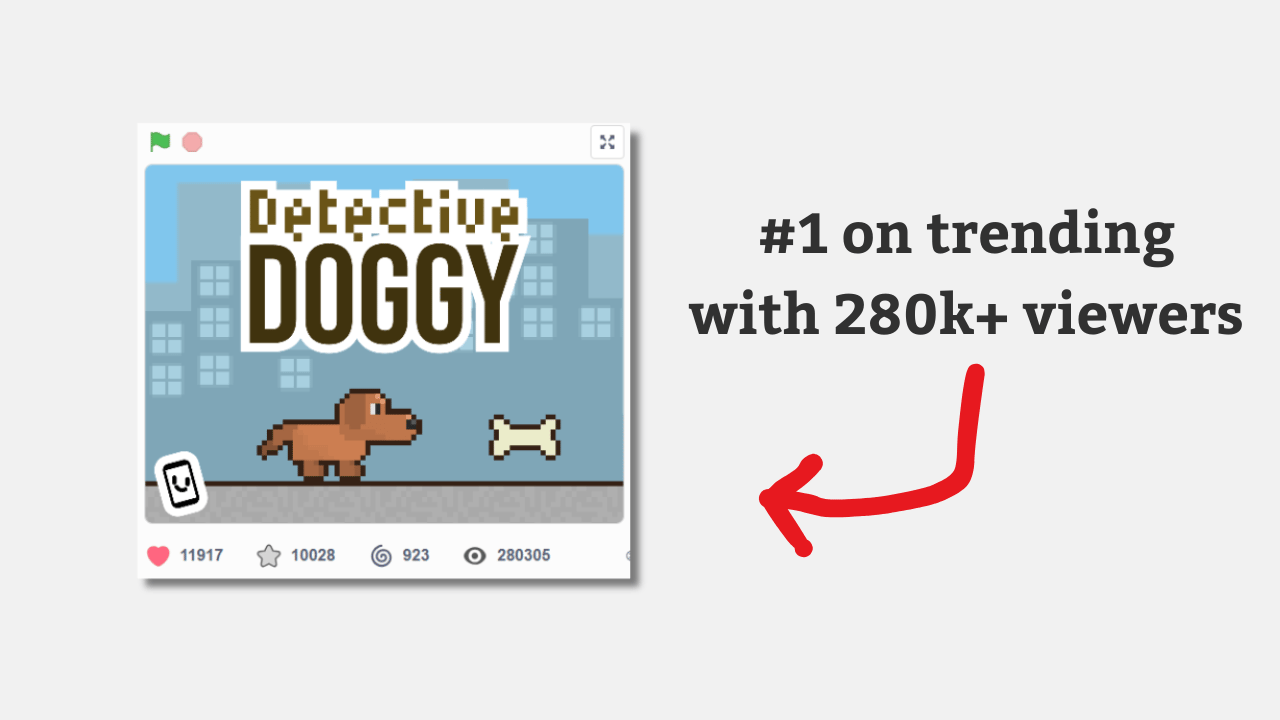
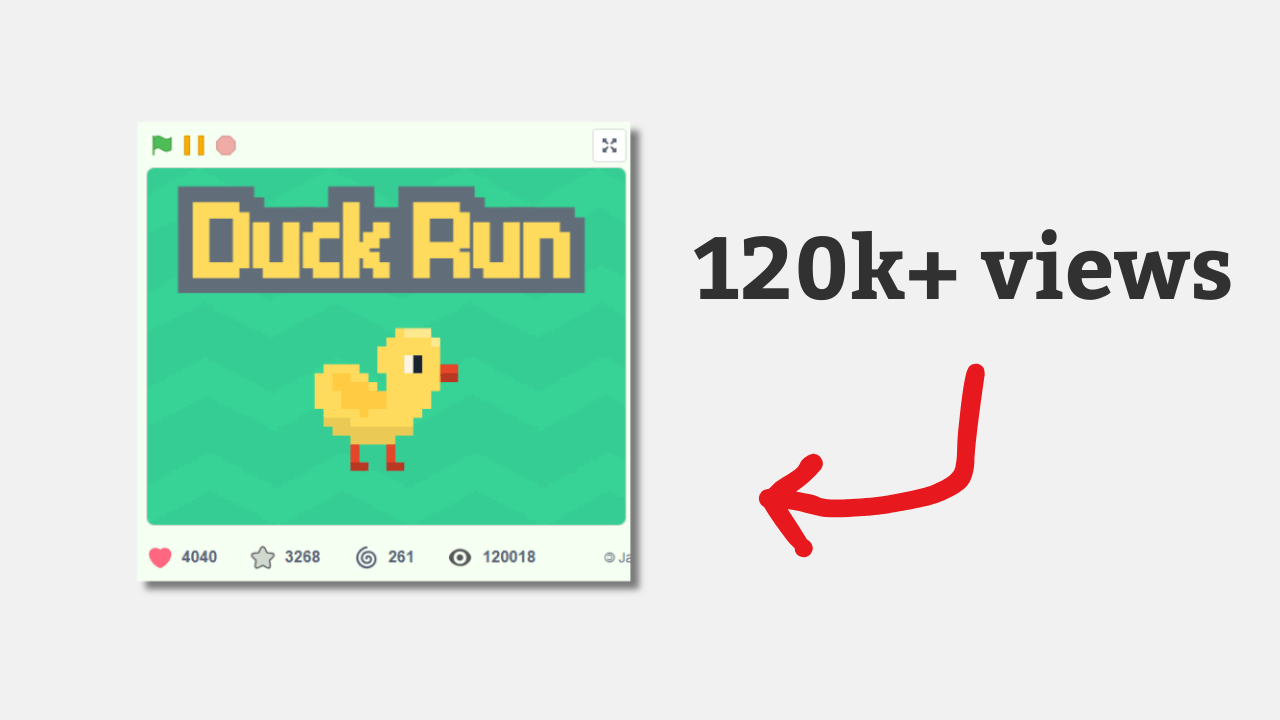
What happens when you follow the principles from The Complete Scratch Guide:

FAQs

The Complete Scratch Guide is waiting for you.